A comfortable dark mode
for every website
NoctRead turns any site dark and easy on the eyes — instantly — plus a clean Reading Mode. Lightweight, private, no data collected.
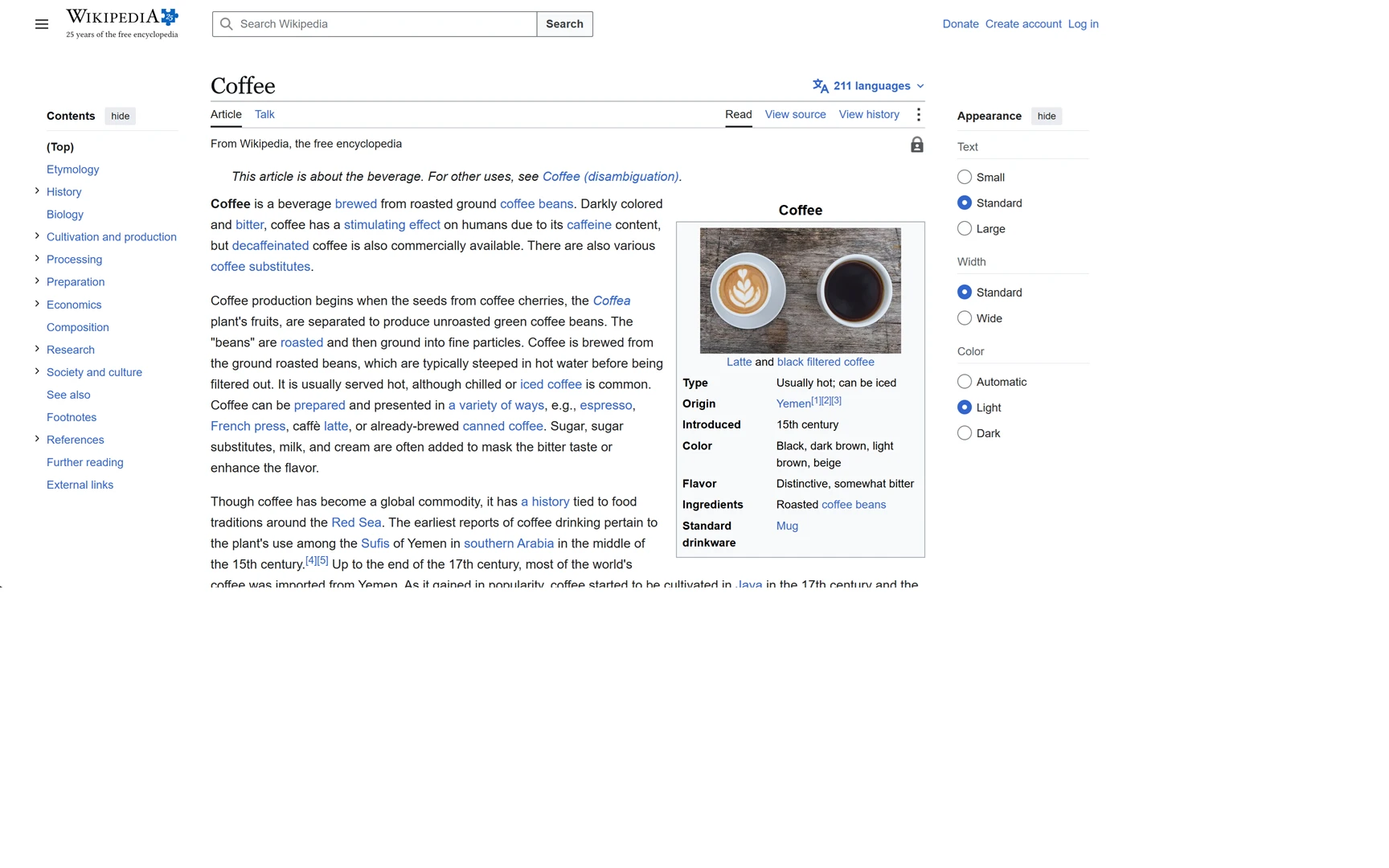
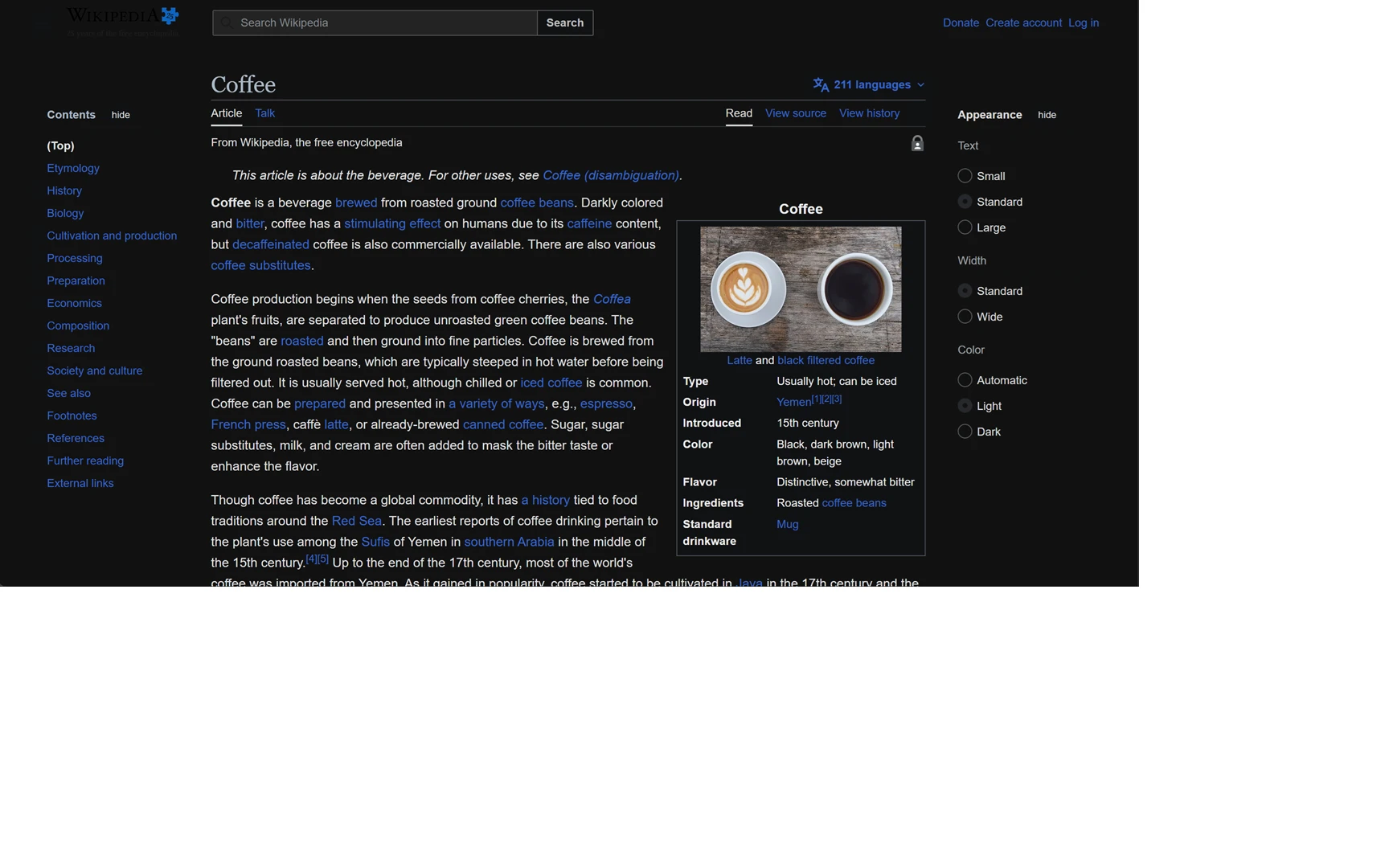
Drag the handle — same page, same layout. Only the colors change.
Screenshot of a Wikipedia article. Article text available under CC BY-SA 4.0. NoctRead is not affiliated with or endorsed by the Wikimedia Foundation.
Built for long nights of reading
Every site darkened, every image left alone, and nothing about you leaving the device.
Universal dark mode
One click darkens the whole web, with brightness, contrast, warmth and grayscale sliders.
Reading Mode
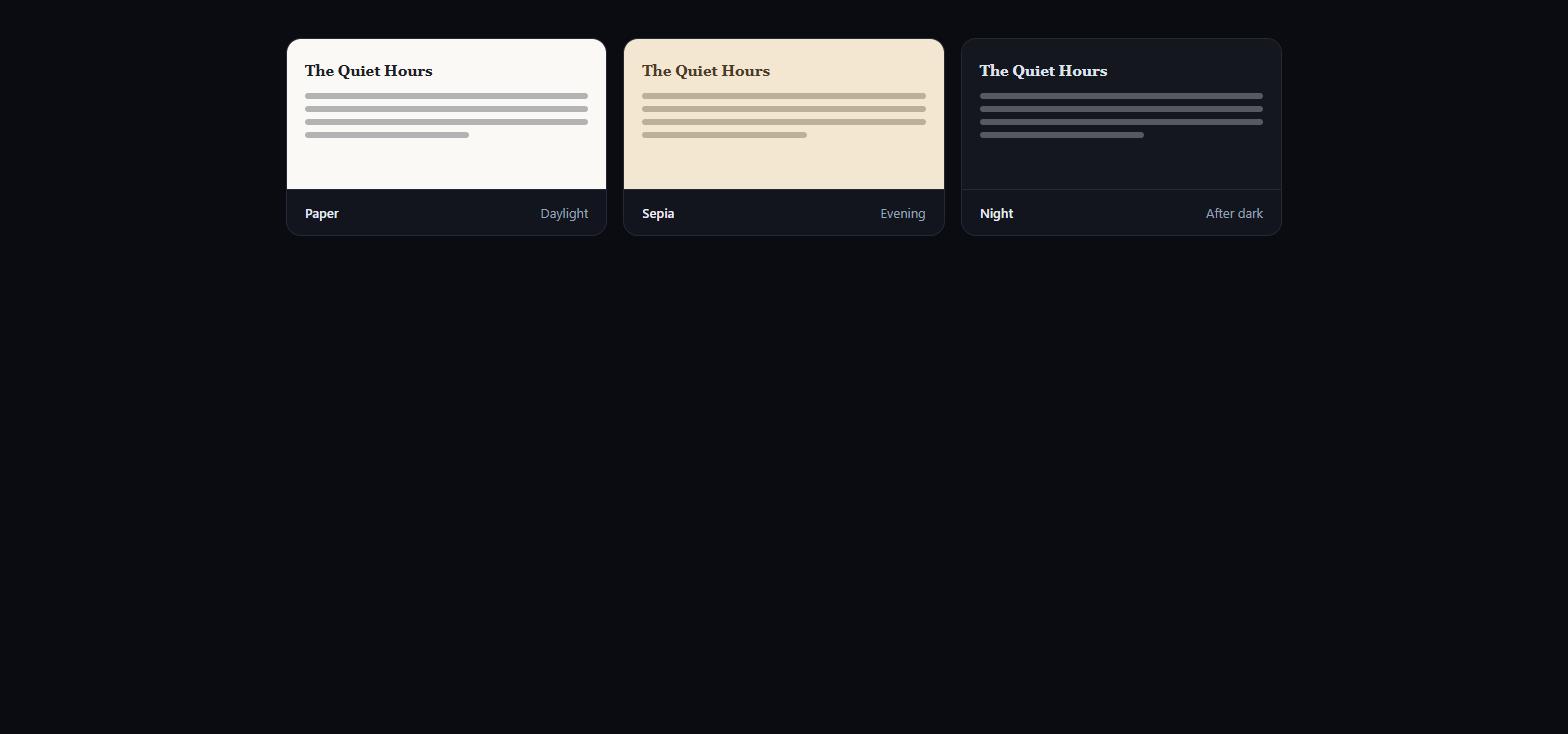
Strips the clutter into a clean, typographic article view with Paper, Sepia and Night themes.
Smart & per-site
Skips sites that already ship a dark theme. Per-site toggles, a night schedule and keyboard shortcuts.
Private by design
Collects nothing and makes no tracking requests. Everything stays on your device.
Three ways to read an article
Press Alt+Shift+R on any article. Adjust size, line spacing and column width, then pick a mood.
The dynamic dark engine
Instead of inverting the page, Pro reads the site's own stylesheets and assigns real dark colors per element — so menus, dropdowns and backgrounds stay consistent.
- One key, all your browsers
- No subscription, no renewal
- 15-day free trial on install — no card needed